Read up, then fix it in one tap

WiFi Apps Speak Geek. WiFi Wavr Speaks Human.
The pro WiFi apps are powerful — but written for IT admins. Wavr takes the same real readings and tells normal people the answer in plain words.

Find Your Strongest WiFi by Walking Toward It
Your phone already knows where the WiFi is strong — Wavr turns that into a live arrow you can follow on foot until it says “strongest spot found.”

Is It Your Router or Your ISP?
Slow internet and no idea who's at fault? Wavr reads your signal, router, and real speed, then names the culprit in plain English.

Get Money Back From Your ISP for Outages
Your ISP may owe you a credit every time the internet drops — here's how Wavr's timestamped evidence report helps you actually collect it.

Catch Every Internet Outage — Even at 3am
Your connection dies for a few minutes and heals before you notice — so put a watcher on it that logs every drop with timestamps you can use.

Why Your “Fast” Internet Still Feels Slow
Your plan tests fast but your calls still glitch — here's why bufferbloat, not bandwidth, is the real problem, and how to grade it.

The Free Fix for Slow WiFi: Change Your Channel
Your router is shouting over your neighbors on the same channel — here's the free two-minute fix that often brings back real speed.

See Every Device on Your WiFi
Two reasons people check who's on their WiFi — it feels slow, or they suspect a freeloader — and how Wavr's scan settles both.
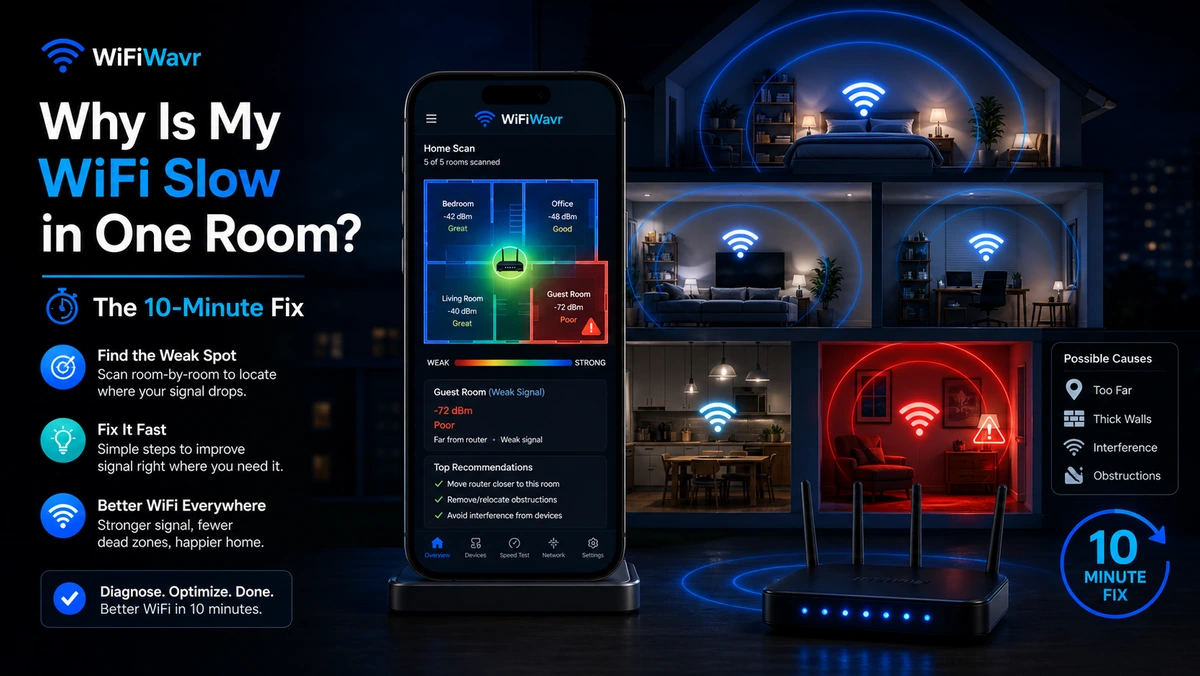
Why Is My WiFi Slow in One Room?
Fast everywhere except that one room? It's almost never your plan. Here's how to find the real cause and fix it in about ten minutes.
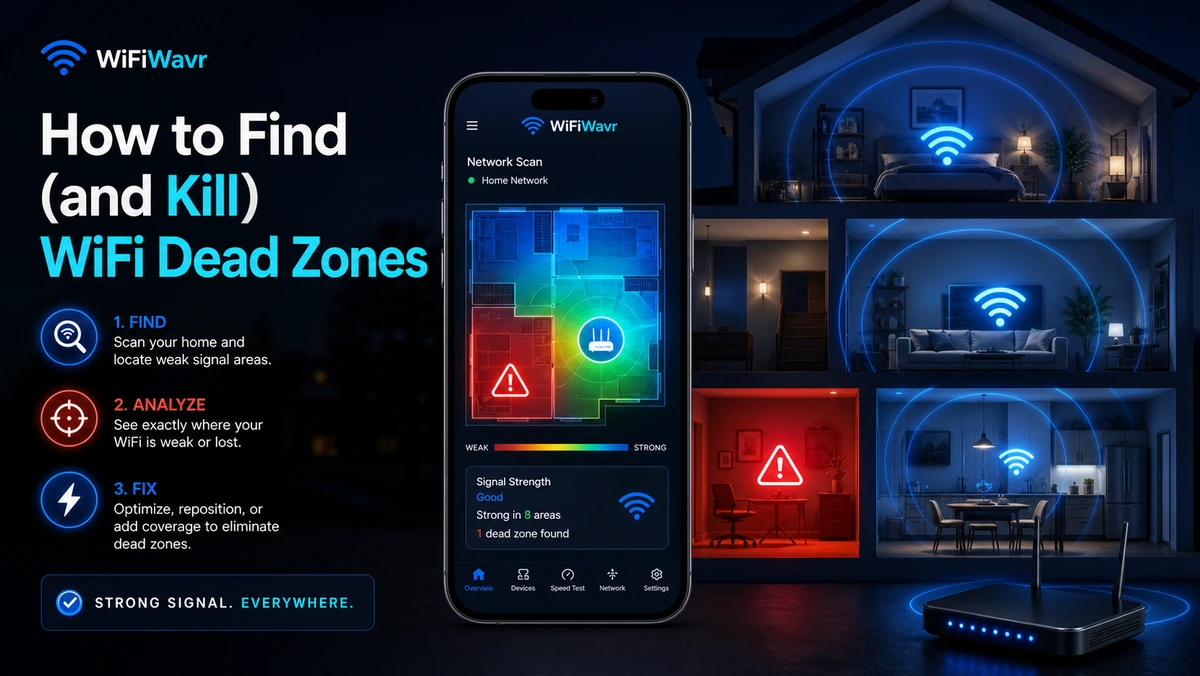
How to Find (and Kill) WiFi Dead Zones
A dead zone is a coverage gap, not a slow plan. Find the exact spot your signal falls off a cliff — and the cheapest way to fill it back in.
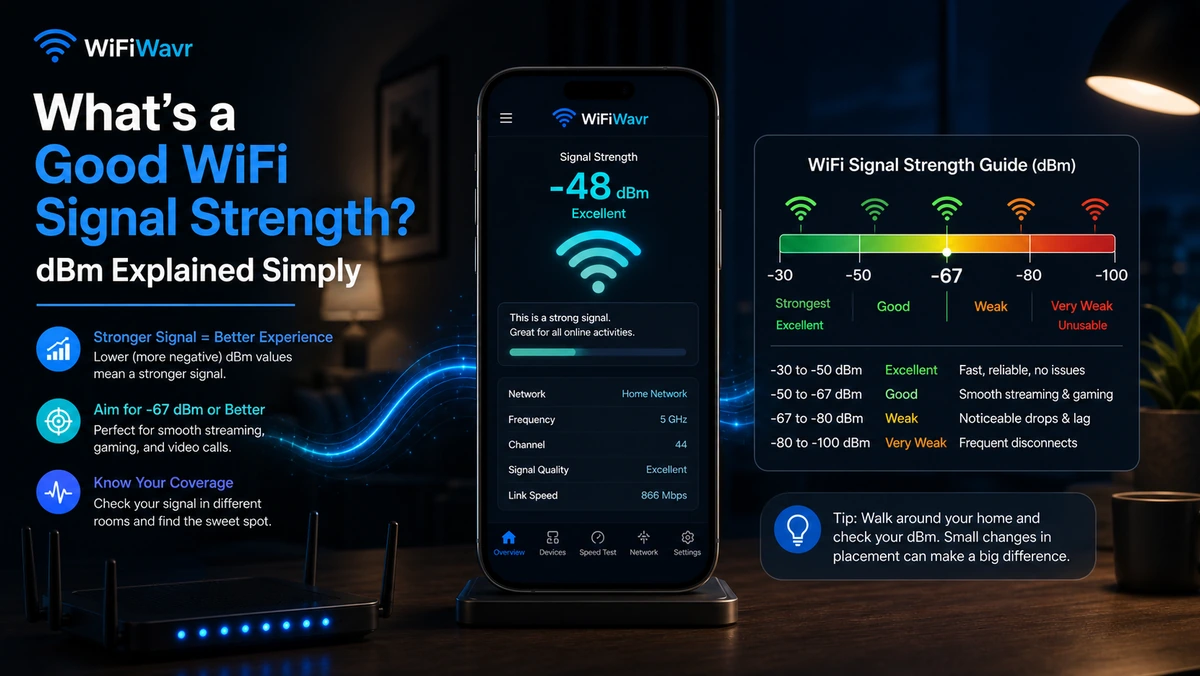
What's a Good WiFi Signal Strength? dBm Explained
Is -38 dBm good? Is -75 bad? The plain-English cheat sheet for what each WiFi signal number actually means.
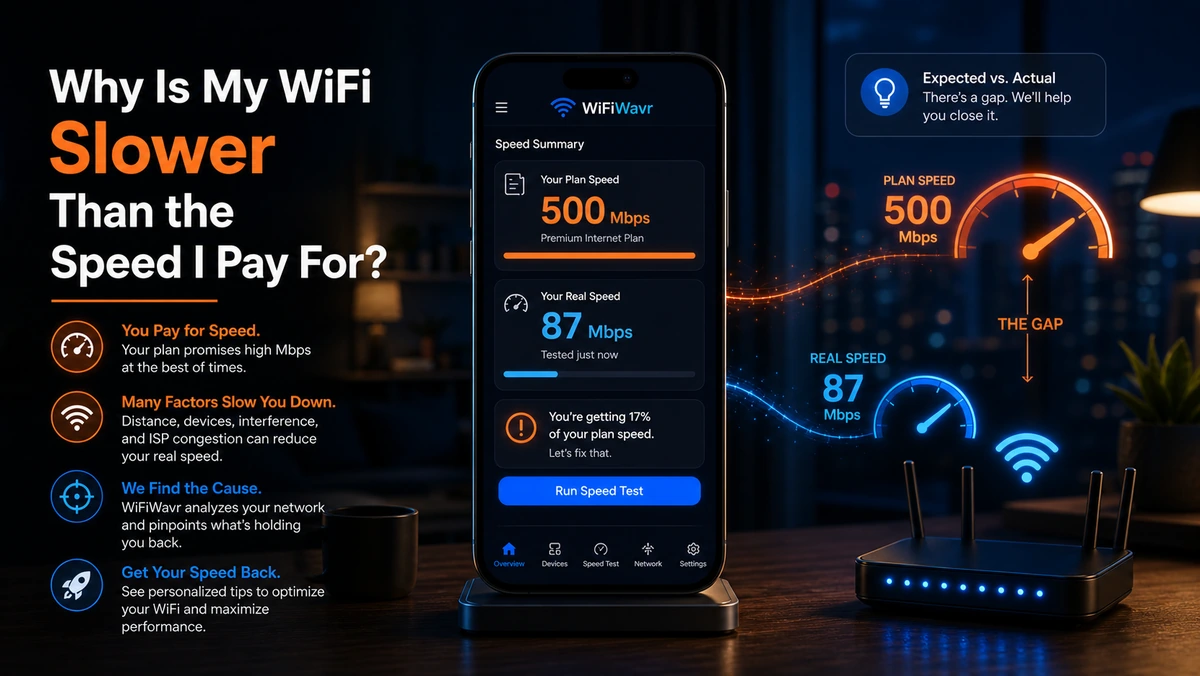
Why Is My WiFi Slower Than the Speed I Pay For?
Paying for 500 but seeing 115? Here's where your speed disappears between the wall and your phone — and how to prove it.
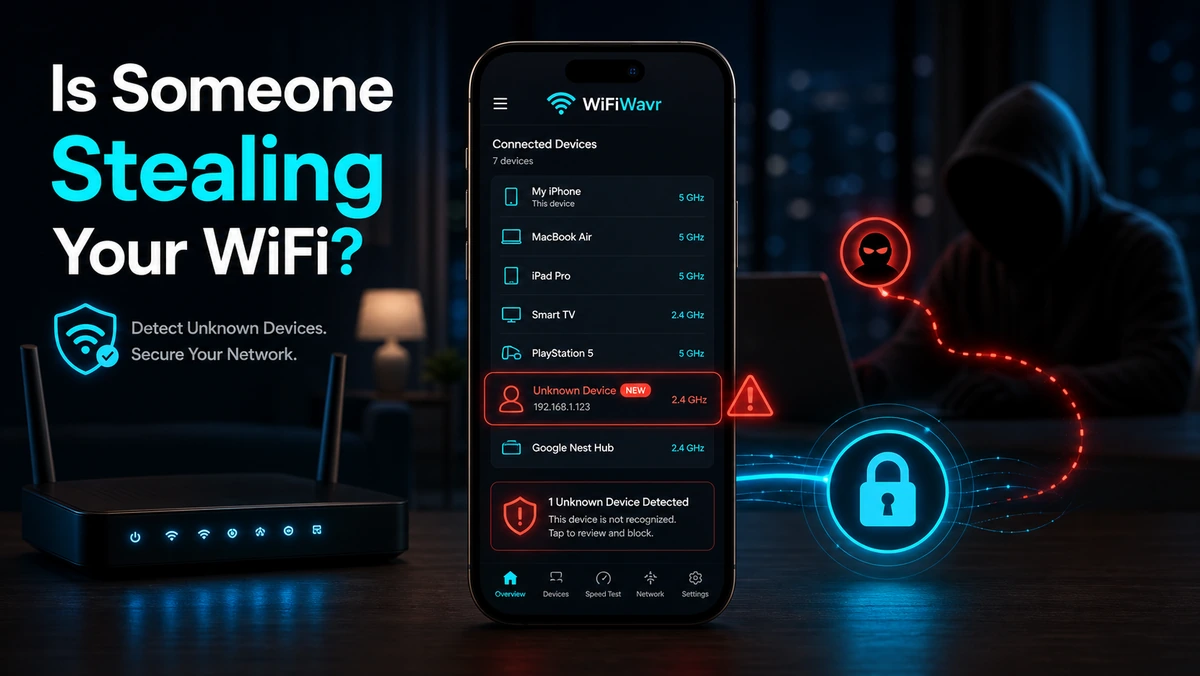
Is Someone Stealing Your WiFi?
Slow internet at odd hours? See every device on your network — no router login — and lock out anyone who doesn't belong.
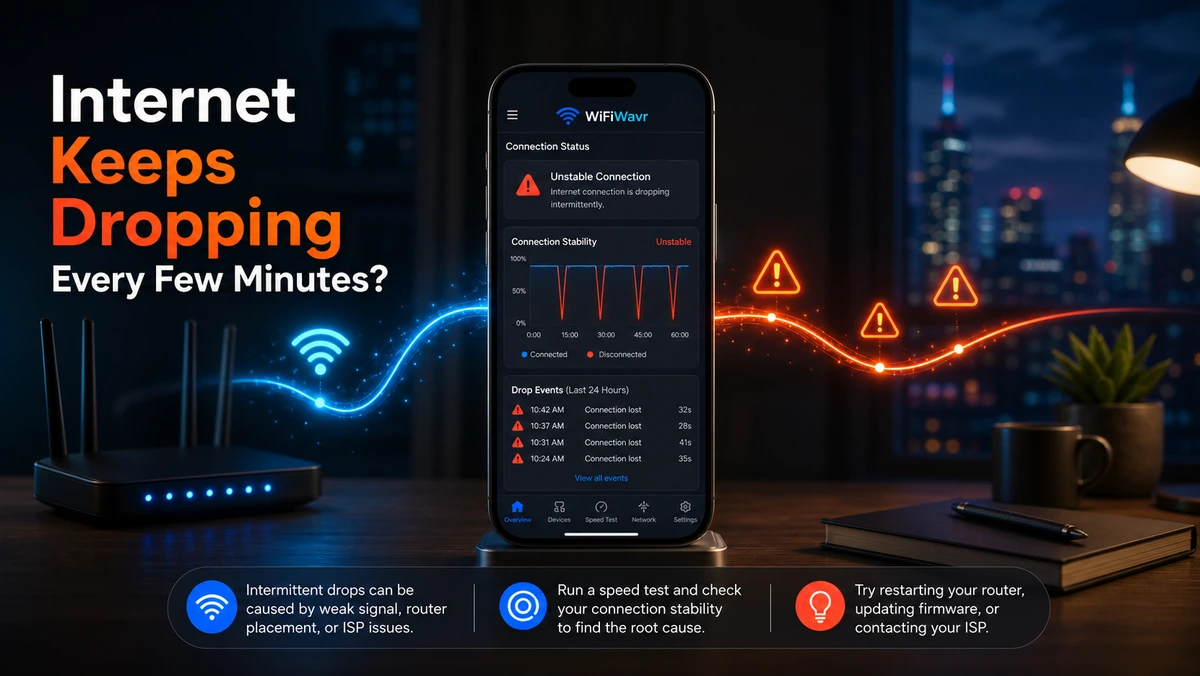
Internet Keeps Dropping Every Few Minutes?
It cuts out for a minute and heals before you can prove it. Here's how to log every disconnect with timestamps and pin the cause.
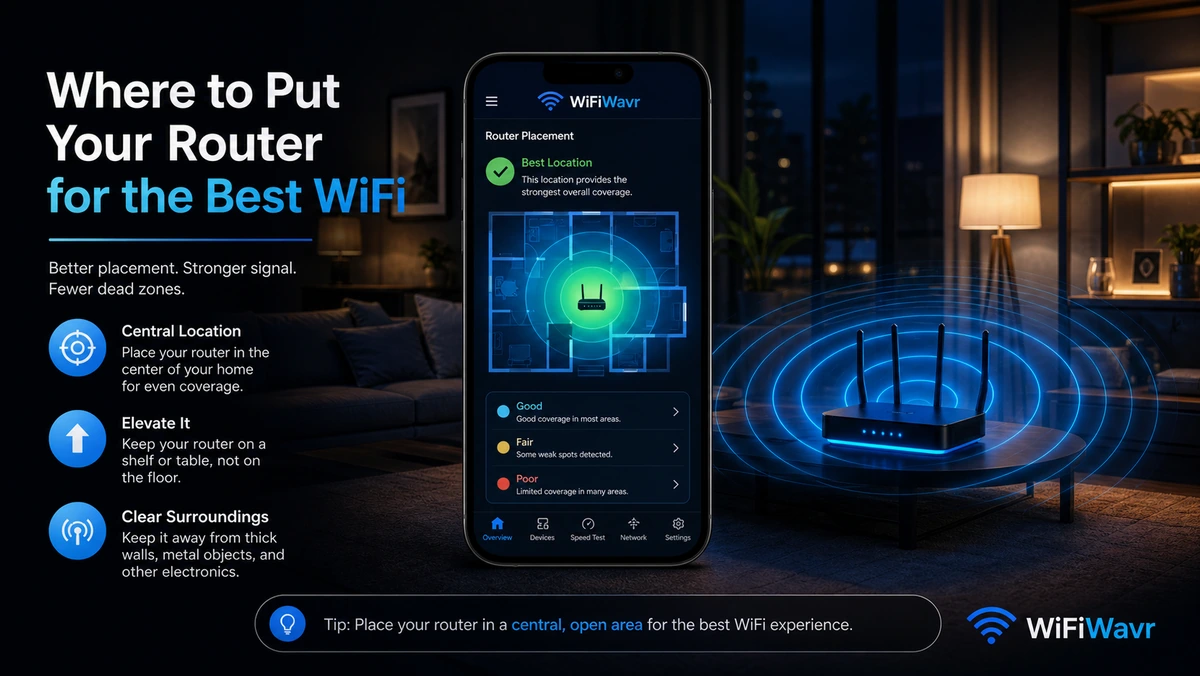
Where to Put Your Router for the Best WiFi
Router placement is the only free WiFi upgrade there is. Where to put it, what to avoid, and how to prove the new spot is better.
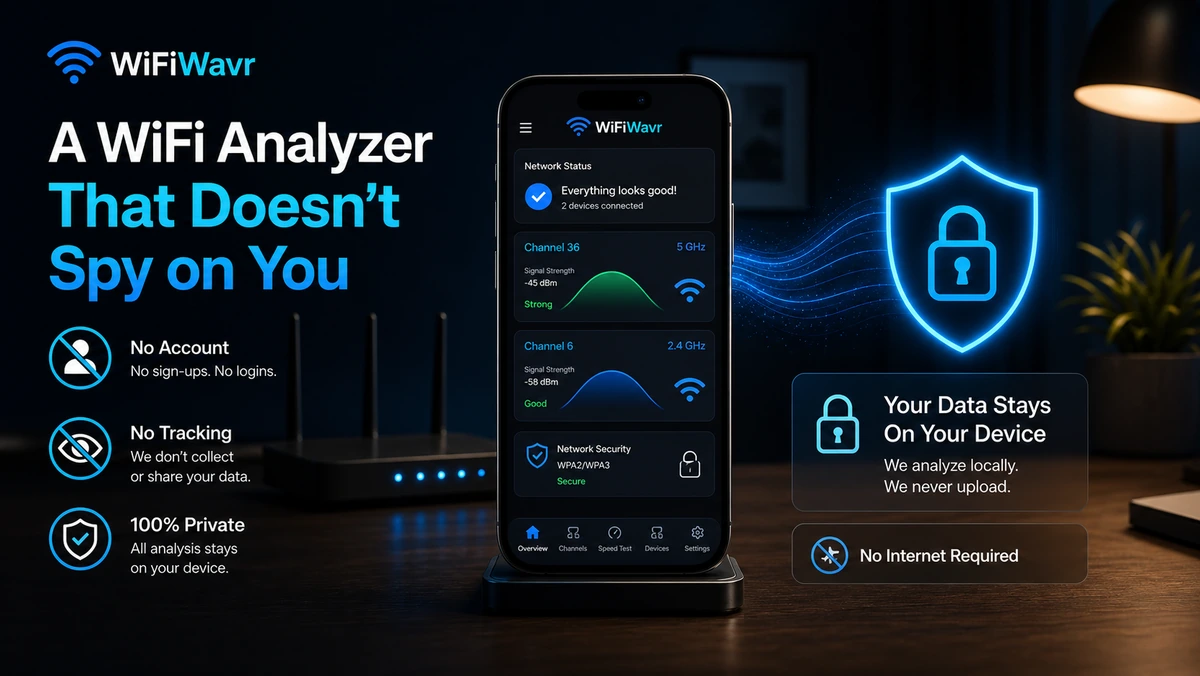
A WiFi Analyzer That Doesn't Spy on You
No login, no ad-wall, no $600 hardware up-sell. Why a WiFi analyzer should just run on your phone and respect your data.
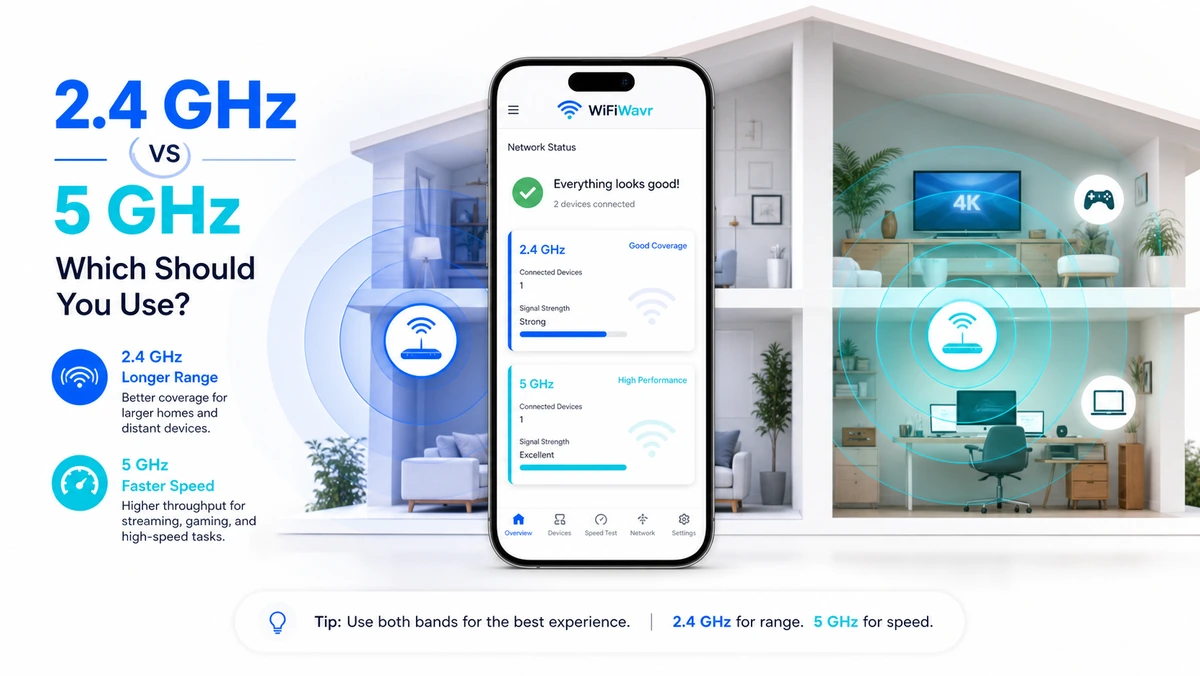
2.4 GHz vs 5 GHz: Which Should You Use?
2.4 reaches farther; 5 is much faster. The plain rule for which band to use in which room — and how to see the one you're on.

Do You Need a Mesh System or Just an Extender?
It depends on your house and your dead zone, not the price. How to choose — and find the exact spot to put either one.
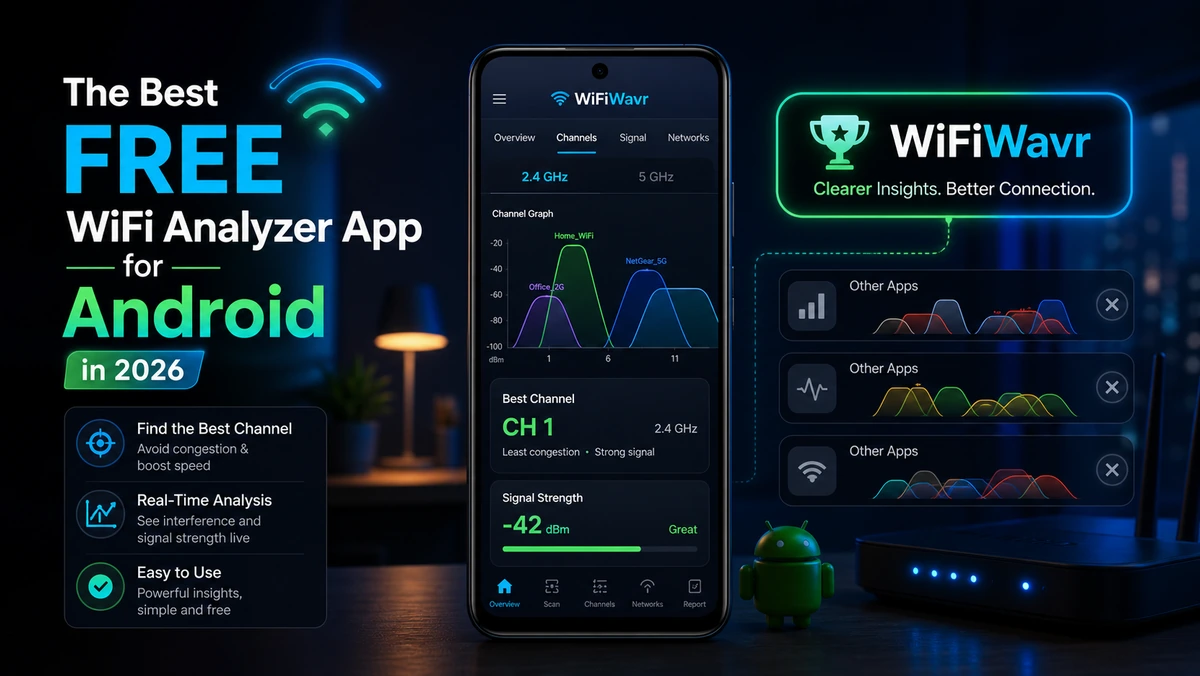
The Best Free WiFi Analyzer App for Android (2026)
Most analyzers show graphs and leave you guessing. What to look for in 2026 — and the one that just tells you the answer.
How to Map the WiFi Coverage in Your House
Name your rooms, walk around, and get a plain-English coverage map showing exactly where your signal is strong and where it dies.
Why Your WiFi Speed Keeps Changing (and How to Track It)
One speed test is a snapshot. A speed history shows the pattern — when your Wi-Fi slows, how often, and whether it's getting worse.
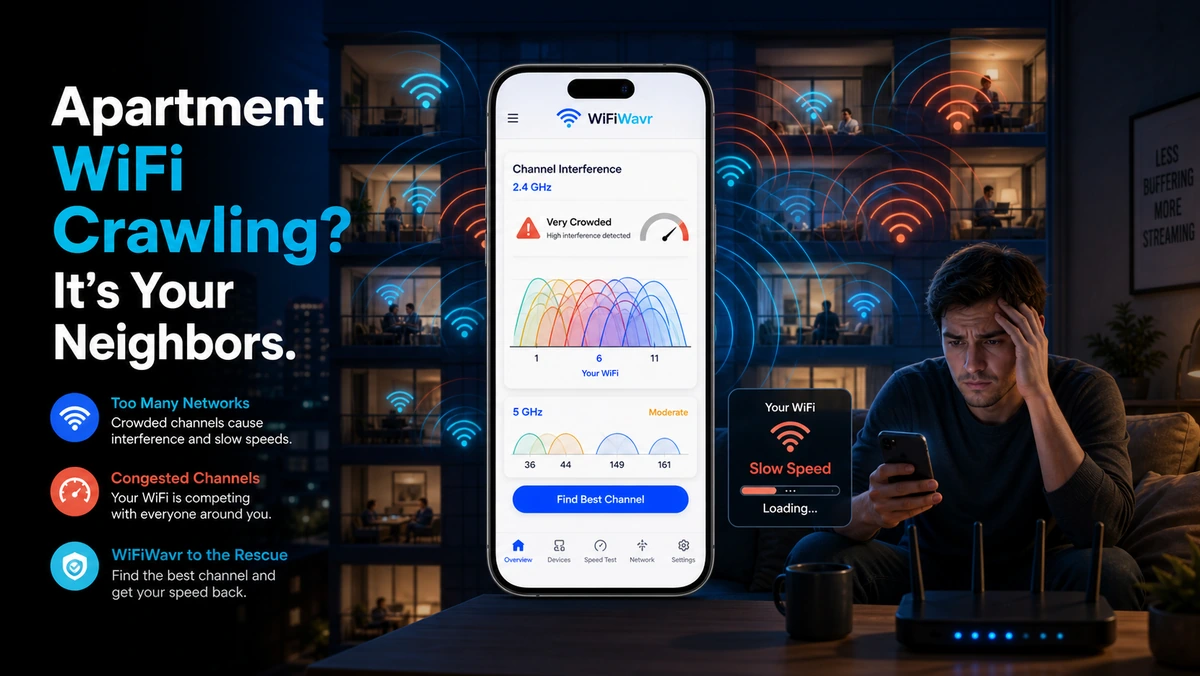
Apartment WiFi Crawling? It's Your Neighbors
A dozen routers fighting over the same airspace. Why it's slow at night, how to see the congestion, and the free channel fix.