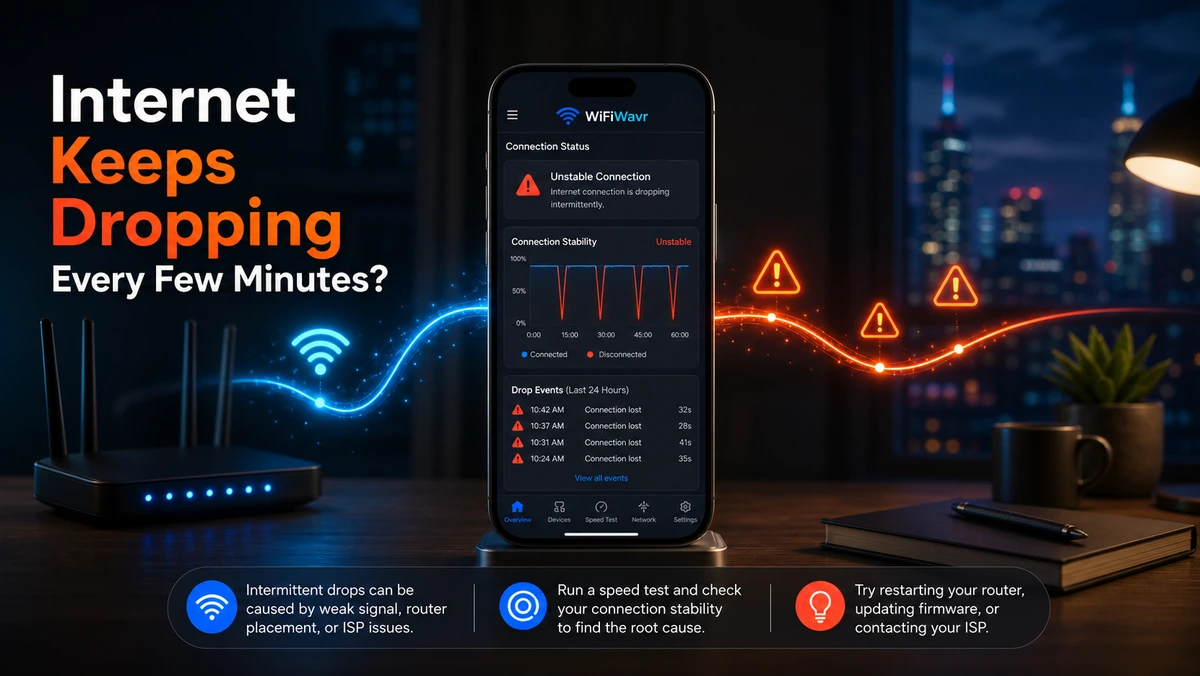
The worst kind of internet problem isn't the one that stays broken. It's the one that breaks for ninety seconds, drops your call, kicks you out of the game — and then quietly fixes itself right before you can show anyone. By the time you've pulled up a speed test, it's working again, mocking you.
You can't fix what you can't catch. So step one isn't a setting to change. It's putting a watcher on the line that records every drop, with the time it happened, whether you're looking or not.
Why short, repeating dropouts happen
Intermittent drops are almost always one of these:
- A weak or wobbling signal — if you're at the edge of coverage, the connection keeps slipping. Common in a far room.
- Channel congestion — a crowded channel causes stalls and brief disconnects, especially at busy hours. The channel fix often clears it.
- An aging or overheating router — older hardware drops connections when it gets warm or busy.
- Loose or damaged cabling — a half-seated coax or Ethernet line causes random cut-outs.
- An actual line fault — sometimes it really is the ISP, and brief drops are the signature of a marginal connection on their side.
Catch the drops with a timestamped log
Open WiFi Wavr and you've got two layers for this. The connection log records every connect and disconnect with a time next to it — so "Connected to your network · 5:07 p.m." stacks up alongside the moment it dropped, and the pattern reveals itself. No more relying on memory.
For the drops that happen while you're asleep or out, turn on the Internet Monitor. With a free account it watches the line around the clock and alerts you when the internet goes down — and it keeps the outage history even if you reinstall the app or switch phones, because the record lives with your account, not just the device.
"It keeps cutting out sometimes" gets you nowhere with a provider. "It dropped at 2:14, 3:48, and 5:09, here's the log" gets you a truck roll.
Now figure out whose fault it is
Once you can see when the drops happen, line them up against what else Wavr is telling you:
- Drops cluster when the signal is weak? It's coverage — fix placement or add a node. Start with dead zones.
- Drops at busy hours on a crowded channel? Change the channel.
- Drops even with a strong signal, hitting every device at once? Now suspect the router or the ISP. Wavr reads your signal and speed and tells you which one to blame in plain words.
If it's the ISP, you're already holding the evidence
Here's the quiet advantage. The standard advice for proving drops to a provider is to dig through your router's event log — assuming you can log in and read it. Wavr hands you the same thing in a form anyone can use: a dated outage history you can turn into an ISP-ready evidence report showing exactly when and how long you were down. That's the difference between a support agent shrugging and a credit on your bill.
FAQ
Why does my internet keep dropping every few minutes?
Usually a weak or fluctuating signal, a congested channel, an aging or overheating router, loose cabling, or a fault on the ISP's line. Catch when the drops happen first, then test signal and speed to tell whether it's inside your home or upstream.
How do I log when my internet drops?
WiFi Wavr keeps a timestamped connection log, and its Internet Monitor watches the line 24/7 and alerts you on a drop — keeping the outage history even across reinstalls. That turns "it keeps cutting out" into a dated list.
Is the dropping my router or my ISP?
Check the pattern. Drops that cluster with weak signal or a busy channel point inside your home; drops with strong signal that hit every device at once point at the router or ISP. Wavr gives a plain-English verdict, and its log is what an ISP needs to chase a line fault.
Catch every drop — even the ones that heal before you look.
WiFi Wavr logs every disconnect with a timestamp and can watch your line around the clock, so a flaky connection finally has a paper trail.
⬇ Download WiFi Wavr — Free