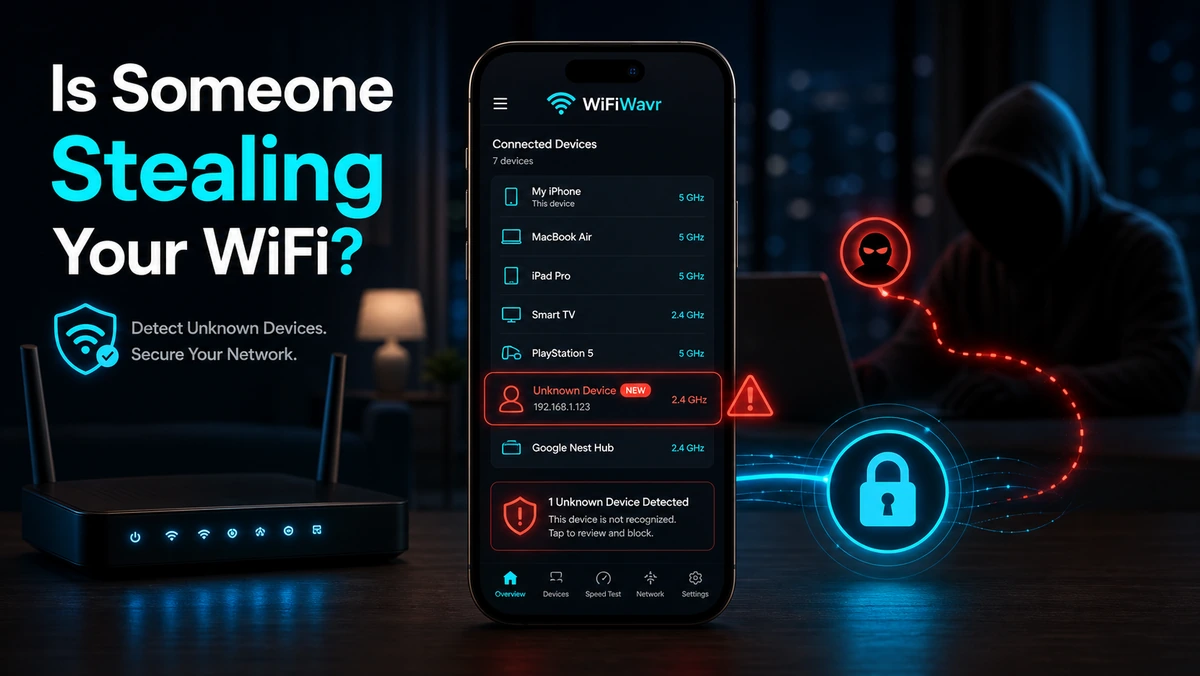
It's 11pm, nobody's streaming, and the internet is crawling anyway. Or it's fine all day and mysteriously sluggish every evening. At some point the thought arrives: is a neighbor on my Wi-Fi?
It's a reasonable suspicion. An old password that's been passed around, a weak one someone guessed, a network that was never locked down properly — any of these can leave the door open. And a freeloader doesn't just cost you bandwidth; they're on your home network. So let's actually check, instead of wondering.
The signs that point to a leech
- Internet that drags at odd hours when your own household is quiet.
- Slowdowns that follow a pattern — every evening, every weekend.
- More devices than you remember owning showing up anywhere you can see the list.
These are hints, not proof. Plenty of evening slowdowns are just channel congestion from neighbors' networks rather than someone actually on yours. So don't stop at the hunch — confirm it.
The fastest way to confirm: count the devices
The old-school method is logging into your router at an address like 192.168.1.1, finding the right menu, and squinting at a list of MAC addresses. It works, if you know your router password and can decode the screen. Most people bail halfway.
Skip all that. Open WiFi Wavr and run Devices on My Wi-Fi. It sweeps every address on your network and lists what answers back — with IP addresses and, where the device reveals it, the manufacturer name. No router login, no admin password, no menu-diving.
If the count is higher than everything you can name, someone uninvited is probably sitting on your network.
Count everything you own first — it's more than you think
Before you accuse the neighbor, tally your own gear. Modern homes are crowded with quiet little connections: every phone and laptop, the TVs and streaming sticks, the game console, smart bulbs and plugs, the thermostat, the doorbell, security cameras, a printer, maybe a robot vacuum. It adds up to a dozen or twenty fast. One honest tip from the scan itself: some devices hide their name or use a private, randomized address, so a few legitimately show up as a generic "Device." Don't panic at those — match them to your own hardware first.
Found a real stranger? Kick everyone off at once
If something is genuinely unaccounted for, you don't need to hunt it down device by device. Change your Wi-Fi password to a long, strong one. That single move instantly disconnects every device on the network and forces each to reconnect with the new password. Everything you own, you simply re-enter the password on. Anyone you didn't share it with is locked out — done.
While you're in there, make sure you're on WPA2 or WPA3 security, not the ancient WEP, and turn off WPS if it's on. Then re-run the Wavr scan in a day and confirm the count matches your gear.
FAQ
How can I tell if someone is stealing my WiFi?
Watch for slow internet at odd hours and unexplained evening slowdowns, then confirm by listing every device on your network and counting. More devices than you can account for means someone uninvited is likely connected. WiFi Wavr scans every address and shows the list.
How do I see who's connected without logging into my router?
Run WiFi Wavr's Devices on My Wi-Fi scan. It sweeps every address on your network and lists what's connected with IP addresses and, where available, manufacturer names — no router password or admin login needed.
What do I do if I find a device I don't recognize?
Account for everything you own first — phones, TVs, consoles, smart plugs, cameras all add up. If something's still unexplained, change your Wi-Fi password to a strong one. That instantly kicks every device off; anyone you didn't share it with stays out.
See exactly who's on your WiFi.
WiFi Wavr scans every address on your network and lists every connected device — no router login — so you can spot a freeloader and shut them out.
⬇ Download WiFi Wavr — Free