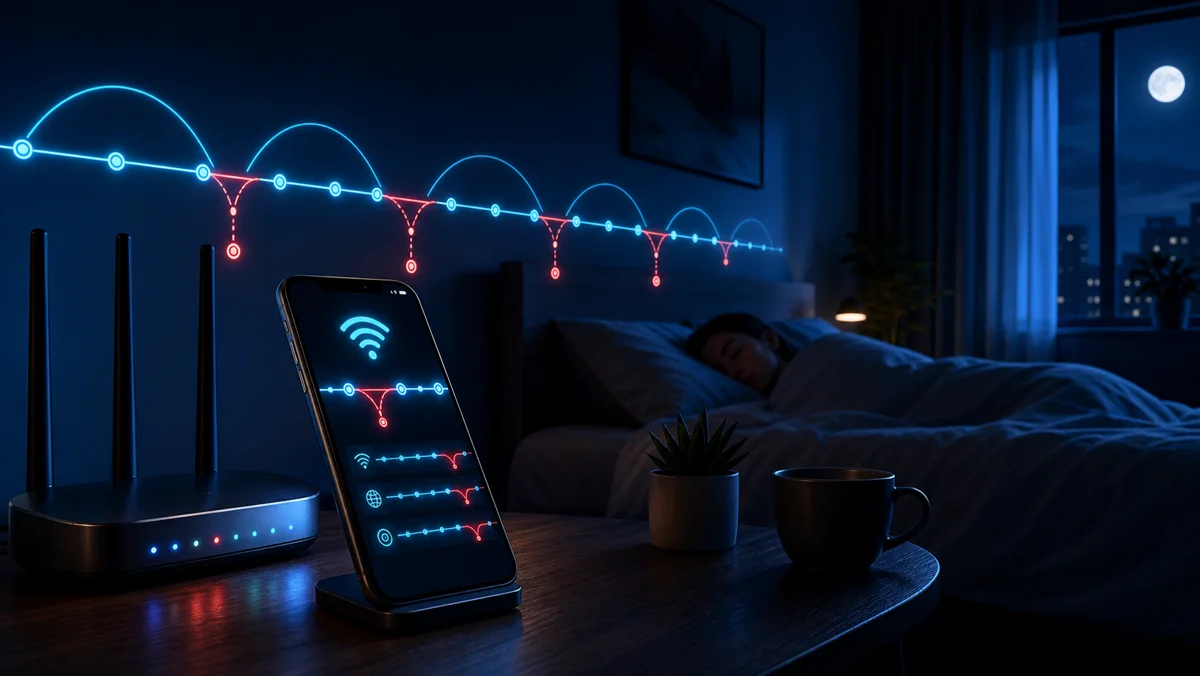
It happens mid-sentence. You're on a video call, the other person freezes, then snaps back like nothing went wrong. Or it's 3am and the internet quietly dies for six minutes while you're asleep, then recovers before your alarm. You never see it. You just feel it the next day — a download that failed overnight, a smart camera that missed an event, a "your connection is unstable" warning that shows up out of nowhere.
So you call the ISP. And here's where it falls apart.
It's your word against theirs — and they have the logs
"We're not seeing any outages on our end." You've heard it. Maybe you've argued back. But you've got nothing to argue with. The drop already healed itself. There's no screenshot of a thing that lasted four minutes at 2:47am. The provider has timestamps and dashboards; you have a vague memory and a bad feeling.
That asymmetry is the whole problem. Outages that come back on their own are the easiest ones to deny, because by the time anyone looks, the connection is fine. You can't fight a pattern you can't see.
You can't prove an outage you slept through. Unless something was awake, watching, writing it all down.
Wavr's Outage Monitor is the witness that never blinks
Turn it on once and WiFi Wavr keeps an eye on your connection around the clock. A tiny free account links your line to a small heartbeat that checks in on a schedule — so the watching keeps going even when the app is closed and your phone is asleep. Every time your internet drops, it records the moment it went down and the moment it came back. Start time. Duration. Logged.
When you wake up, the story is already written for you:
- A clean timeline of every drop, with exact timestamps and how long each one lasted
- Optional email alerts, so a major outage pings you instead of being a surprise
- A running history that turns "I think my internet is bad" into "here's the receipt"
The part that actually changes the conversation
Two things happen once you can see the log.
First, you spot the pattern. One random drop is just life. But drops every night at the same hour? That's usually scheduled ISP maintenance, not your router dying. A cluster every evening at 7pm? That's congestion on their side, not your gear. Suddenly you know whether to reboot your own equipment or pick up the phone — and you stop blaming hardware that was never the problem.
Second, that same log becomes evidence. This is where WiFi Wavr earns its keep. The monitor feeds straight into an ISP Evidence Report — a clean, timestamped summary of your downtime you can hand your provider when you ask for a service credit. No spreadsheet. No screenshots stitched together at midnight. Just proof. Plenty of providers will credit documented outages; the trick has always been having the documentation.
Let's be straight: Wavr isn't the only app that catches outages
It isn't, and we won't pretend otherwise. Fing and Speedtest both offer outage detection, and both do it for free. If all you want is a notification that the internet blinked, you have good options.
Where WiFi Wavr is different is what happens after the drop. Most tools tell you it happened. Wavr turns that same log into a refund-ready document with one tap — the monitor and the evidence report are built to work together, so catching the outage and proving it aren't two separate chores. That's the edge: not noticing the problem, but doing something about it.
And we'll be honest about the trade-offs. Continuous monitoring needs a small account and a heartbeat, so there's a little battery cost — kept low by checking on a schedule instead of pinging non-stop, and you control how often. The data it keeps is timestamps and durations, not your browsing, and it stays yours. If you don't want any of that, the rest of the app's tools still run with no account at all.
Stop losing the argument
Your internet doesn't owe you a heads-up before it drops, and your ISP isn't going to volunteer the outages it caused. So let something keep watch for you. Catch the 3am drop, see the nightly pattern, and walk into that support call holding the timeline instead of a hunch.
FAQ
Does outage monitoring drain my battery?
The heavy lifting happens on a small server, not your phone. A lightweight heartbeat checks in on a schedule rather than pinging non-stop, so the battery cost is minimal. You can also set how often it checks, and turn the monitor off any time.
Do I need an account?
For around-the-clock outage monitoring, yes — a tiny free account links your connection to a heartbeat that keeps watching even when the app is closed and your phone is asleep. Most of WiFi Wavr's other tools, like the signal scan and channel finder, work with no account at all.
What happens to my outage data?
The monitor records when your connection drops and how long it stayed down — timestamps and durations, not your browsing. That log is yours: view it in the app, get email alerts, or roll it into an ISP Evidence Report to send your provider. Nothing is sold.
Get the receipts on your unreliable internet.
Switch on the Outage Monitor and let WiFi Wavr log every drop — start time, duration, all of it — so your next call to the ISP comes with proof attached.
⬇ Download WiFi Wavr — Free