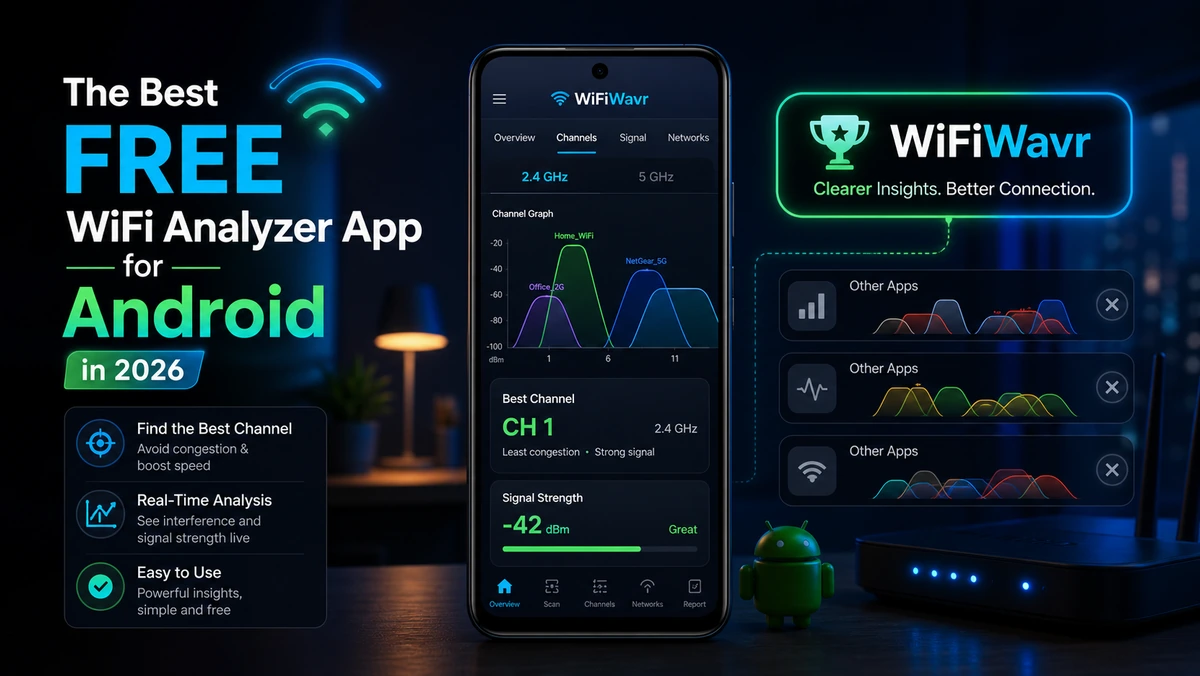
Search "best WiFi analyzer app for Android" and you'll get a dozen lists recommending the same handful of tools — WiFi Analyzer, WiFiman, Fing, NetSpot, Network Analyzer. They're all competent. They'll all show you channel graphs, signal numbers, and device lists. And most of them will leave you staring at the data wondering what you're supposed to do with it.
That's the real question to ask in 2026. Not "which app shows the most data," but "which app gives me the answer." Those are very different products.
What a home user actually needs
If you're an IT pro doing a site survey, you want dense, raw, exportable data, and the classic tools deliver. But if you're a normal person whose back bedroom keeps dropping the video call, a wall of spectrum graphs is homework, not help. For home use, the things that matter are:
- Find the strong signal — and ideally point you to it, not just print a dBm table.
- Test real speed — and compare it to what you pay for.
- Pick a clear channel — and tell you which one, not just chart the congestion.
- See who's connected — in plain names, without a router login.
- Explain the verdict — router, ISP, or your Wi-Fi, in words.
- Respect you — no data harvesting, no account wall, no hardware up-sell.
The gap in the popular apps
Here's where the famous names fall short for ordinary users. The open-source WiFi Analyzer is great but purely technical — graphs and channels, no hand-holding. Fing and WiFiman are excellent device scanners, but they're inventory tools more than "fix my slow room" guides. And NetSpot's mobile experience has drawn real anger — users report its analysis is gated behind expensive add-on hardware, with more than one calling it a bait-and-switch. None of them point you to your strongest signal with a live arrow, and none translate the numbers into "here's the problem, here's the fix."
The best WiFi app for a normal person isn't the one with the most graphs. It's the one that reads the same data and just tells you the answer.
Where WiFi Wavr fits
WiFi Wavr was built for exactly the person those lists forget. It reads the same real measurements the pro tools use — then does the interpreting for you:
- Signal compass — a live arrow that points you toward stronger signal and shows your distance from the router. No other popular app does this.
- Speed test — download, upload, ping, a lag grade, and the percentage of your paid plan you're actually getting.
- Channel check — shows the busiest channels and names the clearest one to switch to.
- Device scan — every device on your network, no router login.
- Plain-English verdict — it names whether the problem is your Wi-Fi, your router, or your ISP.
- Private and free — runs on your device, no account for the core tools, no hardware to buy.
So, which should you install?
If you do network surveys for a living, keep the pro tools — they're made for you. If you're everyone else, and you just want the slow room fixed without a degree in radio, the best free WiFi analyzer for Android in 2026 is the one that hands you the answer instead of the assignment. Try Wavr, run one scan, and see how fast "I don't know what's wrong" turns into "oh, that's the problem."
FAQ
What is the best free WiFi analyzer app for Android?
It depends who you are. Pros like the dense, graph-heavy tools. For a normal person fixing slow home Wi-Fi, the best app is the one that turns readings into a plain answer — which is what WiFi Wavr does with a signal compass, speed test, channel check, and device scan that explain themselves.
Are free WiFi analyzer apps safe and private?
It varies. Some monetize your data or push paid hardware. Look for one that analyzes on your device and doesn't force an account for basics. WiFi Wavr runs locally with no sign-up for core tools, and an optional account only for 24/7 outage monitoring.
Do I need a paid WiFi analyzer?
For home use, free is almost always enough. Finding your strongest signal, testing speed, picking a channel, and seeing devices don't need a paid tier. Be wary of apps whose free version is just a demo for expensive hardware or a subscription.
The WiFi analyzer that gives you the answer.
WiFi Wavr reads the same data the pro tools use, then tells you the problem and the fix in plain English — free, on your phone, no account for the basics.
⬇ Download WiFi Wavr — Free