There are usually two reasons you end up here.
The first is the video that keeps stalling at dinnertime, and the quiet question behind it: what's actually hogging all this WiFi? The second is darker. You're lying there at night wondering if the guy next door ever guessed your password, and whether he's been streaming on your dime this whole time.
Both reasons have the same root. You're paying for this connection, you live with it every day, and you have no idea who or what is actually on it.
Your network is a room you can't see into
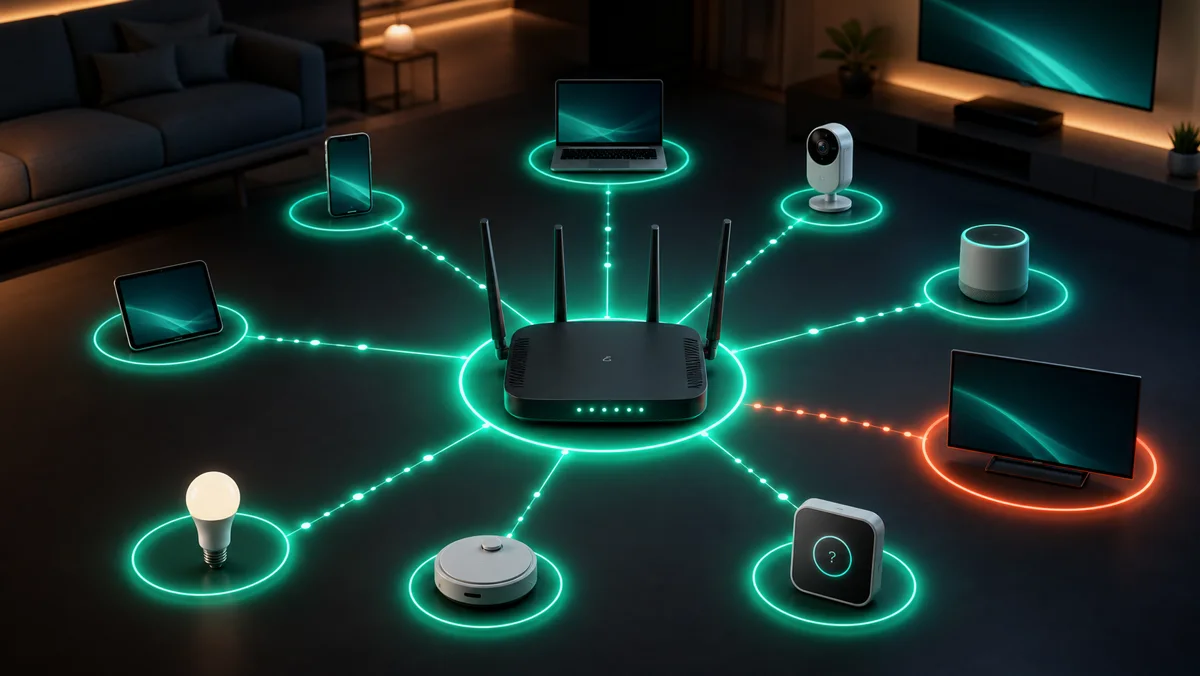
Think about how many things connect now. Your phone. The other phones in the house. A laptop or two. The TV. A streaming stick. The smart plug, the speaker, the doorbell camera, the printer that nobody's used since March. Half of them you forgot you even set up.
All of it is sharing one pipe. And when something starts misbehaving, or the count just feels too high, you've got no way to look in the room and take attendance. You're left guessing in the dark, which is exactly where that 2am worry comes from.
You can't fix slow WiFi, and you definitely can't catch a freeloader, if you can't even see who's in the room.
Wavr takes attendance for you
WiFi Wavr scans your network and lists every device connected to it, right now, on one screen. Phones, laptops, the TV, the smart plugs, the router itself. Each one shows up with its IP address and, where it can be looked up, the maker behind it, so a row reads less like a riddle and more like "Samsung, Apple, TP-Link."
It also flags the two devices you'll want to find first: your own phone, so you have your bearings, and the router, so you know which line is the network itself and not a mystery gadget. From there the list does real work:
- Spot the stranger. Count the devices, match each to something you own, and see if anything's left over that you can't place.
- Take a headcount. Get a straight number for how many things are online and pulling from your connection right now.
- Hunt down a gadget. Tracking why a new smart plug or camera won't come online? Find out fast whether it ever joined the network at all.
It's available in the app today. Open it, run the scan, read the room.
One honest catch: not every name shows up
Modern phones randomize their MAC address on purpose for privacy, and Android limits how much an app is allowed to read from the network's address table. So some devices will come back as "Unknown" with just an IP and no maker name. That's not a bug and it's not Wavr giving up, it's the phone protecting itself, and any app on Android hits the same wall. We'd rather show you an honest "Unknown" than make up a brand that isn't there.
How this is different from a wall of numbers
Let's be fair: Wavr isn't the only app that can list devices. WiFiman, Fing, and Network Analyzer all scan your network and show you what's connected, and they do it well. If device discovery were the only thing you wanted, several good tools already exist.
Where Wavr earns its place is by not making device discovery a separate errand. It sits next to the signal compass that walks you to your strongest WiFi and the verdict that tells you whether a slowdown is your router or your ISP, all in one free app that's written for normal people instead of network admins. The device list isn't a standalone power tool you have to learn; it's one tap inside the same app you already opened to fix the WiFi.
| What you get | Typical scanner apps | WiFi Wavr |
|---|---|---|
| Lists every connected device | Yes | Yes |
| Shows IP & maker where available | Yes | Yes |
| Flags your phone & the router for you | Sometimes | Yes |
| Built into a signal + router/ISP toolkit | No | Yes |
Same honest data the good scanners give you, wrapped in an app that also answers the next question you were going to ask anyway.
Stop wondering who's on it
Whether you're chasing down a slowdown or settling a worry, the move is the same. Open Wavr, scan the network, and read the list of who's actually there. Find the device you can't explain, count the ones you can, or track down the gadget that won't connect. It's free, it runs on your device, and it takes about ten seconds to know.
FAQ
Can WiFi Wavr tell me if someone is stealing my WiFi?
It gives you the evidence to decide. Wavr lists every device currently on your network, so you can count them and match each one to something you own. If there's a device left over that you can't place, that's your red flag. It can't read minds, but it shows you exactly what's connected so an intruder can't hide in the crowd. The fix once you spot one is to change your WiFi password.
Can it show what each device is doing?
No, and no consumer phone app honestly can. Wavr tells you which devices are connected, their IP address, and where possible the maker. It doesn't see inside the traffic or show which device is downloading what. For that you'd need logging built into the router itself. Wavr's job is the who, not the what.
Why do some devices show no name?
Modern phones deliberately randomize their MAC address for privacy, and Android limits how much an app can read from the network's address table. When the maker can't be looked up, Wavr is honest about it and shows the device as Unknown with its IP instead of guessing. It's still a real device on your network, just one that won't reveal its brand.
See exactly who's on your network.
WiFi Wavr scans your WiFi and lists every connected device with its IP and maker, flagging your phone and the router so the odd one out is easy to spot. Free, private, and on your device.
⬇ Download WiFi Wavr — Free