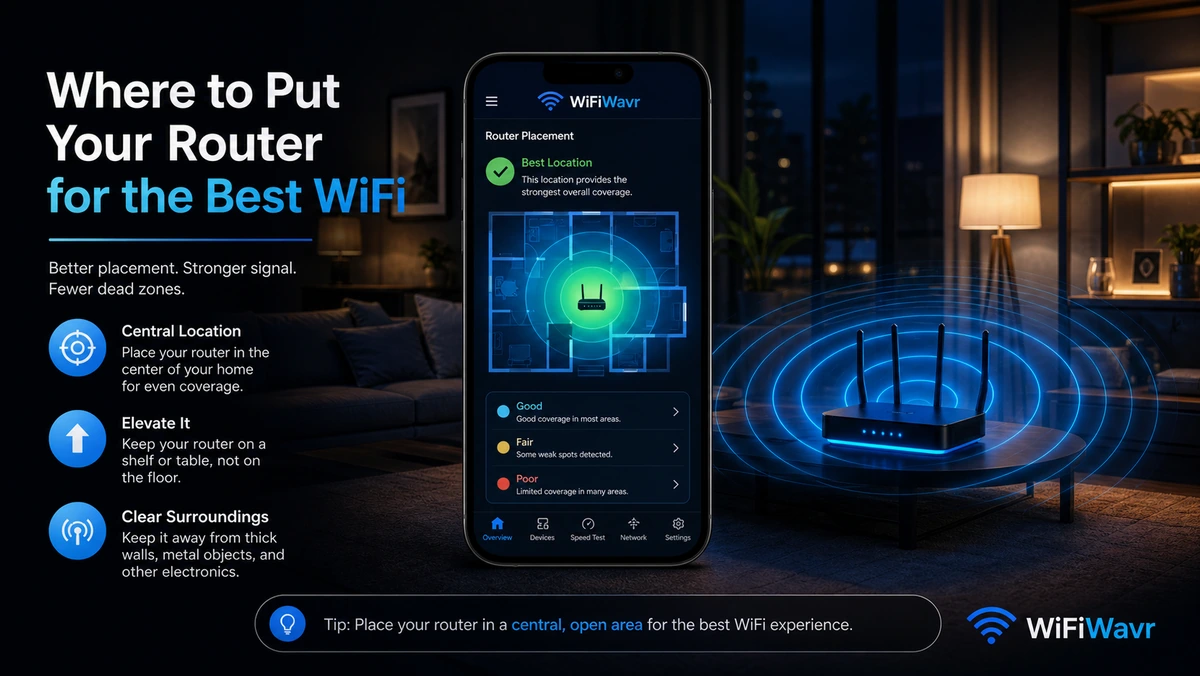
Most routers live wherever the internet cable happened to come out of the wall. Which is to say, wherever the installer found a jack — usually a corner of the living room, or worse, the basement. That's not a Wi-Fi decision. That's an accident. And it might be quietly costing you half your coverage.
Moving the router is the only WiFi upgrade that's completely free, and it routinely beats a new extender. The catch is that "put it somewhere better" only helps if you know where better is — and how to confirm you got it right.
The rules of good placement
- Central beats corner. Wi-Fi spreads out in all directions. A router in the middle of your floor plan reaches the whole home; one in a corner sprays half its signal out into the yard.
- High beats low. Wi-Fi tends to radiate outward and slightly downward. Up on a shelf covers better than down on the floor or in a basement.
- Open beats buried. Out in the room, not stuffed inside a media cabinet or behind the TV. Every surface it sits behind costs you signal.
- Away from metal and water. Fridges, metal shelving, microwaves, cordless phone bases, and big aquariums all block or scatter the signal. Give them a wide berth.
A router shoved in a basement corner is fighting your house. Central, high, and out in the open lets it win.
Don't trust the rules — test them
Every home is different. The "central" spot on paper might sit right behind a brick chimney. The only way to know is to measure, and that's a thirty-second walk, not a survey.
Open WiFi Wavr and walk to the rooms you actually care about — the home office, the back bedroom, the patio. Note what the signal reads in each. Then move the router to a more central, higher, open spot and walk the exact same rooms again. The compass shows the live signal climbing or falling, so you can directly compare "before" and "after" instead of guessing whether it feels better.
Read the fade point
The most useful trick: walk from the router toward your worst room and find where the signal falls off a cliff. That fade point is the edge of your coverage. When you move the router well, that cliff pushes outward and swallows the old dead zone. When you move it badly, the cliff comes closer. You'll see it happen in real numbers.
When placement isn't enough
Sometimes the house is just too big or too broken-up for one router, no matter where it sits. If you've found the best possible spot and a far room still reads weak, that's your signal to add coverage rather than keep shuffling furniture. Put a node right around the fade point — and read mesh vs. extender to pick the right kind. But try placement first. It's free, and it's astonishing how often it's the whole fix.
FAQ
Where is the best place to put a WiFi router?
As central as possible, up high, and out in the open. Wi-Fi radiates outward and down, so a router on a shelf in the middle of the house beats one in a corner closet or the basement. Keep it away from thick walls, metal, microwaves, and water.
What should I keep my router away from?
Metal, water, and other radios — fridges, metal shelving, microwaves, cordless phone bases, big aquariums — plus media cabinets and the back of the TV. Each obstacle weakens the signal, and several together can make a dead zone two rooms away.
How do I know if moving my router helped?
Measure before and after. Walk the rooms you care about with WiFi Wavr's compass and note the readings, move the router, then walk them again. If the weak spots read stronger and the fade point pushes outward, the new spot is genuinely better.
Find your router's best spot — for free.
WiFi Wavr's compass shows the live signal in every room, so you can move the router once, prove it's better, and skip buying hardware you didn't need.
⬇ Download WiFi Wavr — Free