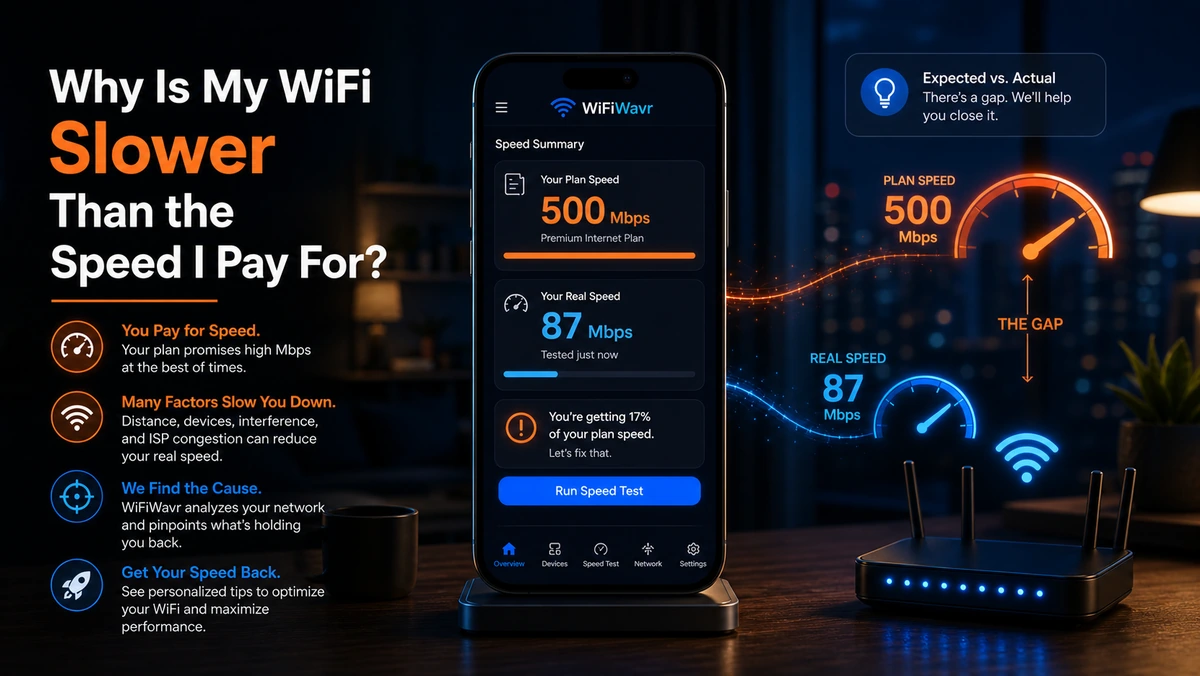
You pay for 500 Mbps. You run a speed test. It says 115. Cue the rage-refresh, the second test, the third — same answer. So either the provider is robbing you, or something between the wall and your phone is quietly eating most of your speed. Usually it's the second one. Sometimes it's the first. The good news is you can tell them apart in about two minutes.
Your plan speed is measured at the wire — not at your phone
Here's the thing nobody tells you when you sign up. The number on your plan is the speed delivered to the box on your wall. Everything after that is on you, and Wi-Fi is a leaky pipe. Between that box and the phone in your hand, your speed gets nibbled by:
- Distance and walls — weaker signal means slower speed, full stop.
- Channel congestion — neighbors on your channel slow everyone down.
- Your device's age — an older phone or laptop has an older, slower Wi-Fi radio that simply can't pull the full plan.
- The 2.4 vs 5 GHz choice — 2.4 GHz reaches farther but is much slower than 5 GHz.
- Everyone else — other devices streaming and downloading share the same pipe.
Over Wi-Fi, getting 50–80% of your plan near the router is normal. Getting 20–30% is a problem worth chasing.
The two-minute test that splits "normal" from "ripped off"
You need to separate Wi-Fi loss (your problem to fix) from line loss (the ISP's problem). Do this:
- Test right next to the router. Open WiFi Wavr, stand a few feet from the router on 5 GHz, and Run Speed Test. This is the best your Wi-Fi can do.
- Enter the speed you pay for. Wavr lets you type your plan in and instantly shows the percentage you're actually getting — so "500 Mbps · 23%" stops being a mystery and becomes a measurement.
- Test again in the slow room. If it's great by the router and terrible in the bedroom, that's coverage — a one-room problem, not the ISP.
Reading the verdict
- Strong near the router, weak in one spot? Coverage. Move the router or add a node — see dead zones.
- Weak everywhere, even next to the router? Now it's worth suspecting the line. If you're getting 23% of a 500 plan from three feet away on 5 GHz, that's "strong evidence to raise with your ISP," and Wavr says so in those words.
- Fast number but still feels laggy? That's not bandwidth at all — it's bufferbloat, and a big speed number can hide it.
Build a record, not a one-off
One slow test is an anecdote. A week of them is a case. Wavr keeps a speed log so repeated slow results pile up with timestamps — exactly what you want if it turns out the line really is underdelivering and you need to take it to your provider.
FAQ
Why is my WiFi speed lower than the plan I pay for?
Your plan is measured at the wire entering your home. Over Wi-Fi to your phone it passes through distance, walls, channel congestion, an older device's radio, and other devices sharing the line — each shaves off speed. Less than the advertised number over Wi-Fi is normal; the question is how much less.
How much slower than my plan is normal?
Near the router, 50–80% of your plan over Wi-Fi is typical and fine. 20–30% means something's wrong — usually weak signal, a crowded channel, or an old device. Test by the router and again in the slow spot to tell which.
How do I prove my internet is slower than I'm paying for?
Run WiFi Wavr's speed test, enter your plan speed, and it shows the percentage you're getting. Test next to the router to measure the line itself; if even there you're far below plan, that's ISP evidence. Wavr's speed log records the pattern over time.
Find out where your speed actually goes.
WiFi Wavr tests your real speed, compares it to the plan you pay for, and tells you whether it's your Wi-Fi or your provider — in plain English.
⬇ Download WiFi Wavr — Free